Does EZIPTV come with channels?
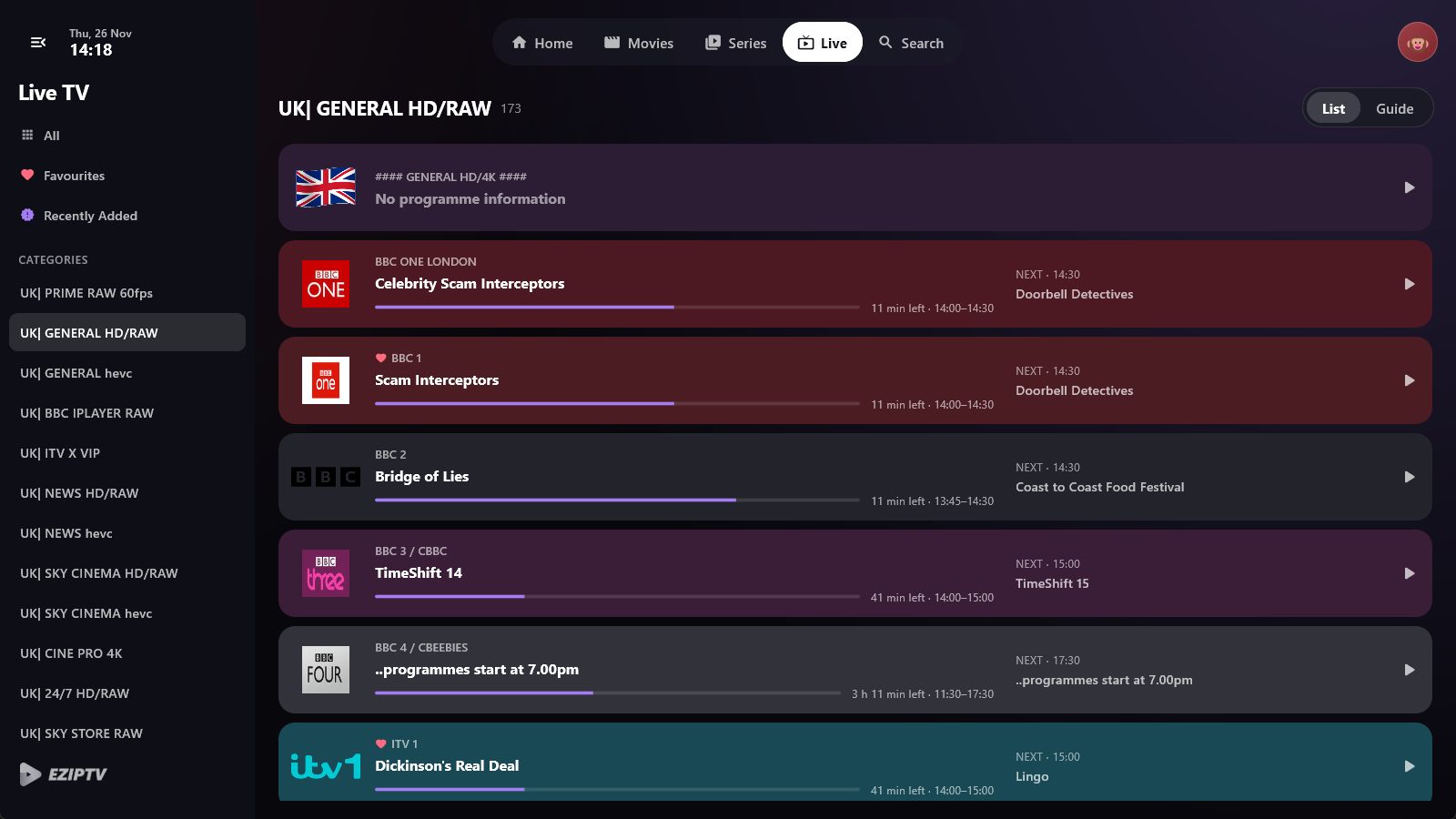
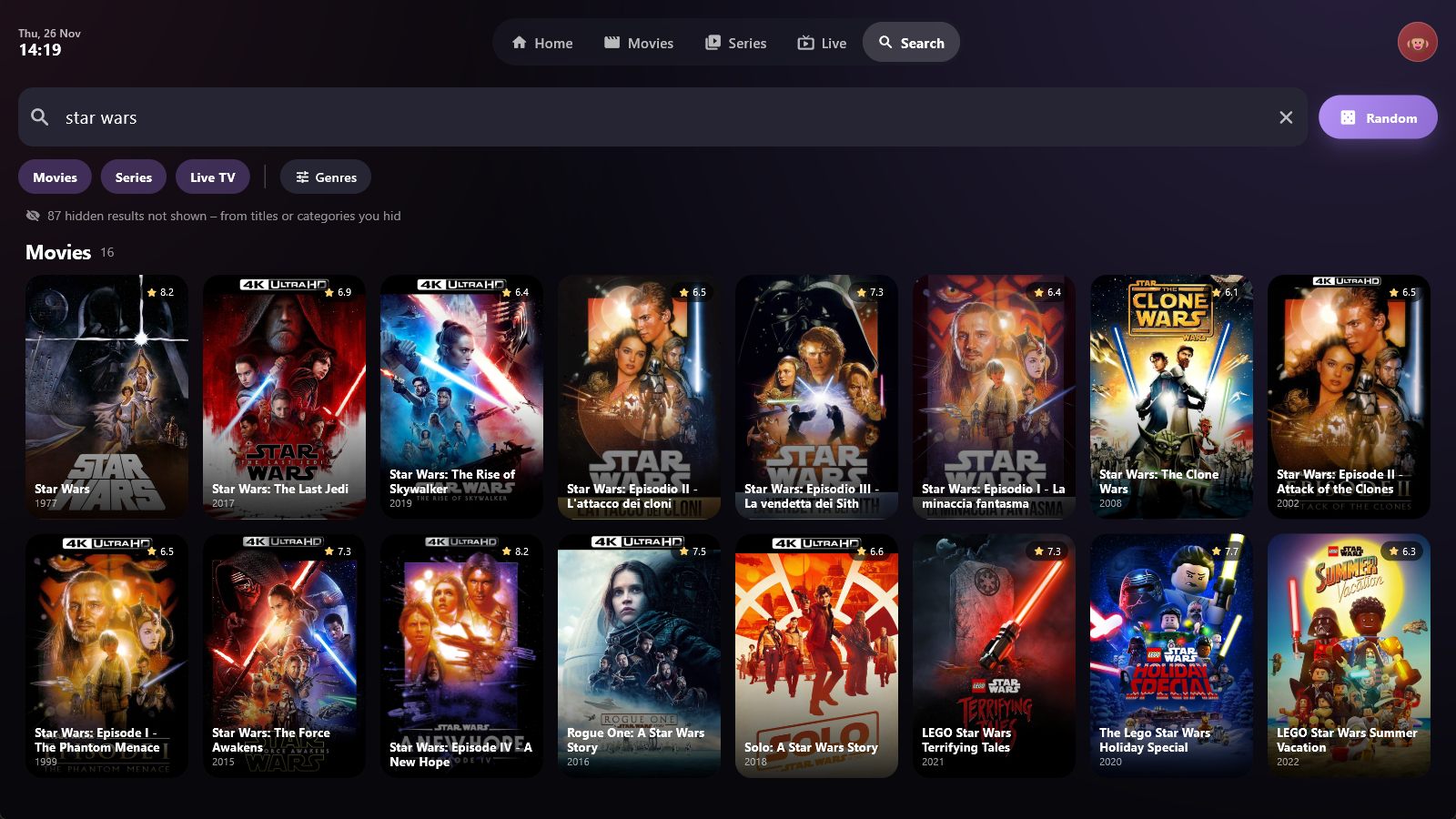
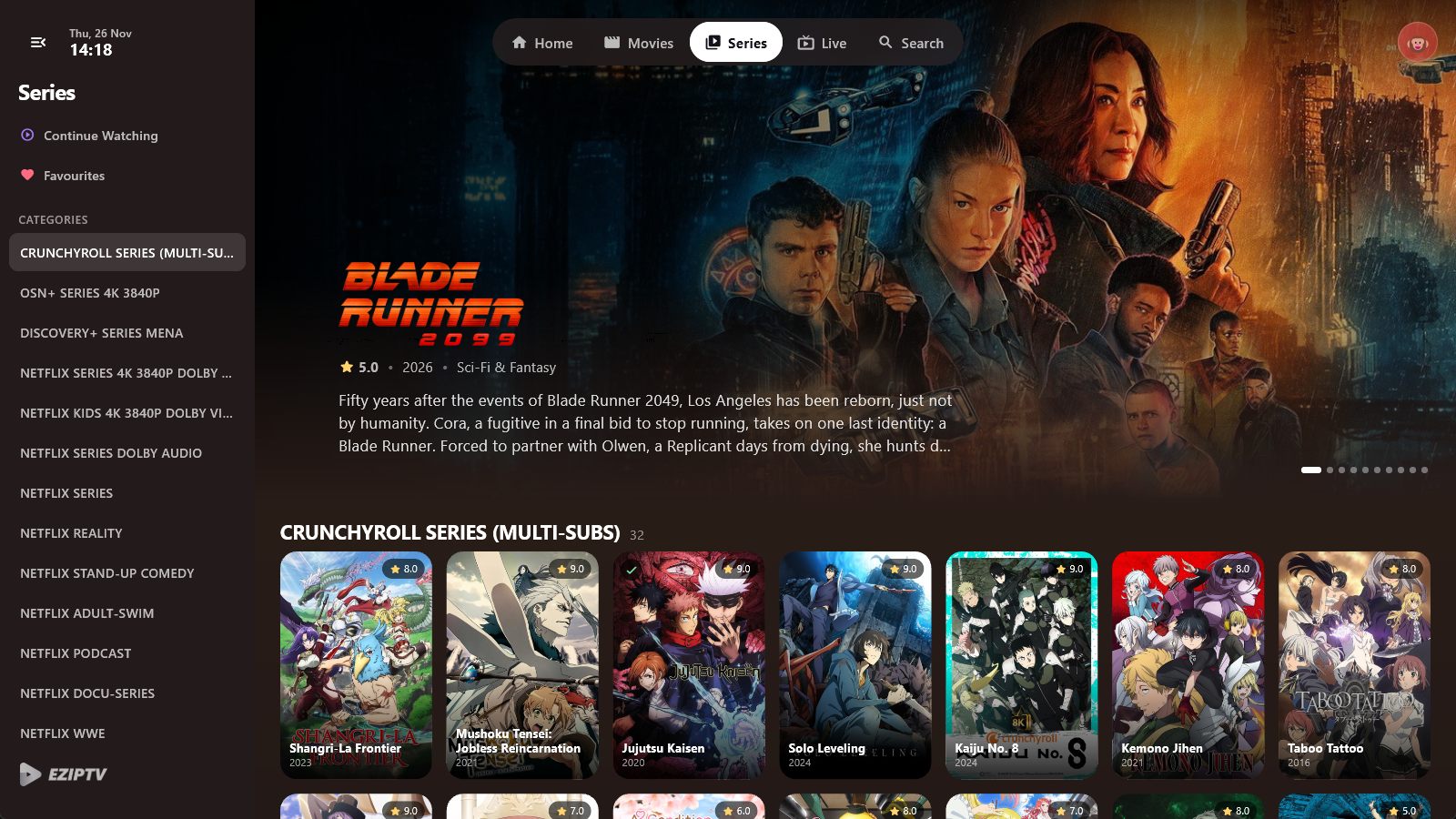
No. EZIPTV is a player: it plays the playlist you already have from your IPTV provider. It doesn’t sell, host or supply any channels, films or series.
Which playlists work?
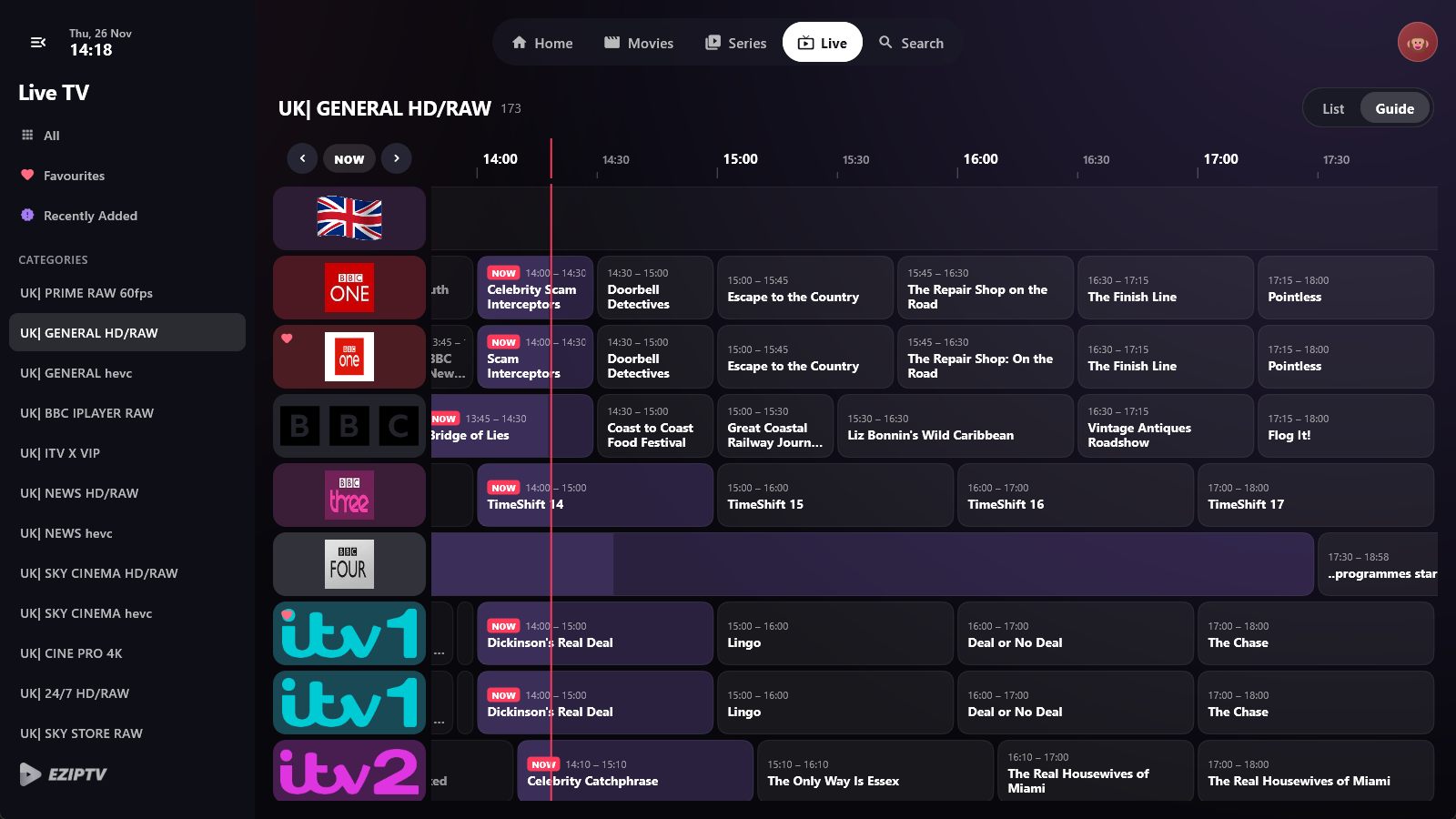
Xtream Codes logins (a server address, username and password) and M3U links. The TV guide comes from your provider.
Which devices can I use?
Windows, macOS, Android phones and tablets, and Android TV, including Google TV and streaming boxes.
What does an account do?
It keeps your playlists, profiles and settings in step on every device, and lets a TV sign in with a code instead of a password. Manage all of it on this website under your account.
How do I sign in on a TV?
In the app, choose Sign in with a code. Scan the QR code with your phone, or go to eziptv.app/account/link and type the code the TV shows.
Where do I get help?
In the app, open Settings → Support Centre. Report a bug or suggest a feature, add screenshots from a computer, and the answer arrives in the same place.
Can I delete my account?
Yes, at any time: Account → Settings → Delete account. Your playlists, profiles, linked devices and support tickets go with it.